Token Approvals and Wallet Drainers: How to Protect Your Crypto (2026)
Wallet drainers don't steal your keys — they trick you into approving them. How token approvals work, how drainers exploit them, and how to revoke access.

Most people picture a crypto hack as someone stealing your seed phrase. But one of the most costly attack types in wallet security works differently — and it's sneakier. You keep your seed phrase perfectly safe, and your wallet still gets emptied. The culprit is a token approval you granted without fully understanding it. Approval phishing has drained over $1 billion since 2021, and drainers took an estimated $494 million from 332,000 wallets in a single year.
This guide explains what token approvals actually are, how wallet drainers weaponize them, and — most importantly — the step-by-step way to check and revoke the permissions already sitting in your wallet.
Not financial advice (NFA). This is a security explainer. It can reduce risk but cannot eliminate it, and revoking approvals cannot reverse a drain that already happened. Always do your own research (DYOR).
What Is a Token Approval?
To use most of DeFi — swapping on a DEX, staking, trading an NFT — you have to grant the app permission to move a specific token from your wallet. That permission is a token approval: an on-chain authorization that lets a smart contract transfer that token on your behalf.
Think of it like a direct-debit mandate you sign for a subscription. You're not handing over your bank password — you're authorizing one specific company to pull money from your account. The problem is that many crypto approvals are set to unlimited, and, unlike a subscription, they never expire on their own. You authorized it once, and that permission sits there indefinitely — even after you stop using the app.
That's the quiet danger: a permission you forgot about, still fully active, months later.
How Wallet Drainers Exploit Approvals
Here's the counterintuitive part. A wallet drainer usually doesn't try to steal your private key or seed phrase at all. It tricks you into signing an approval — and that's enough.
The flow of a typical attack:
- You land on a convincing fake site — a bogus airdrop, a "claim your reward," a fake mint, a cloned dApp.
- You click Connect Wallet, then approve what looks like a routine transaction.
- What you actually signed was an
approve(),setApprovalForAll(), or an off-chainPermitmessage — handing the attacker's contract permission over your tokens. - The contract calls
transferFrom()and moves your assets out. It may drain instantly, or hold the permission and strike later.
No stolen keys. No cracked password. Just one wrong signature on the wrong site. That's why "not your keys, not your crypto" isn't the whole story — an active approval can be just as dangerous as a leaked key.
How to Check and Revoke Your Approvals
The good news: approvals are visible and revocable. Here's the step-by-step.
Step 1 — Review your active approvals
Use a reputable approval-checking tool. Revoke.cash is the most widely used — free, open-source, and supporting 100+ EVM networks. Many wallets (MetaMask, Trust Wallet) now also have built-in approval management. Enter your wallet address or connect your wallet to see every contract you've granted permission to.
Step 2 — Identify the risky ones
Look for unlimited approvals, permissions on apps you no longer use, and anything you don't recognize. Unlimited allowances on dormant or obscure contracts are the highest priority to remove.
Step 3 — Revoke
Click revoke on each permission you want to remove. This is an on-chain transaction, so you'll need a small amount of the network's native token (ETH, etc.) for gas. Confirm it in your wallet.
Step 4 — Make it a habit
Approvals accumulate every time you use a new dApp. Review them periodically — a monthly check is a reasonable rhythm for active users.
Warning
Revoking removes future permission only. It cannot undo a transfer that already executed. If you suspect a wallet is already compromised, move remaining assets to a fresh wallet immediately — then revoke.
Best Practices: A Layered Defense
No single habit is enough. Think of protection as three checkpoints around the moment of signing:
- Before you connect — Reach dApps through bookmarks you saved yourself, never through links in DMs, ads, or search results. Most drains start on a fake site.
- Before you sign — Read what you're actually approving. Modern wallets and firewall tools show transaction previews and decode signatures — if a simple "claim" is requesting token approval, stop.
- After you grant — Prefer limited approvals over unlimited when the app allows it, and revoke permissions you no longer need.
- Isolate your risk — Use a separate "burner" wallet for minting and experimenting, and keep your main holdings in a hardware wallet that never touches unknown sites.
Quick Safety Checklist
- I reach dApps only through my own bookmarks
- I read and understand each transaction before signing
- I prefer limited approvals over unlimited when possible
- I review and revoke approvals periodically (e.g., monthly)
- I use a burner wallet for risky interactions
- My main funds are in a hardware wallet, separate from daily activity
- I know that revoking can't reverse a drain — so I act fast if compromised
Frequently Asked Questions
Does disconnecting my wallet remove an approval?
No. Disconnecting only stops a site from seeing your address going forward. The approval you granted stays fully active on-chain until you explicitly revoke it. This is one of the most common misunderstandings.
Why are unlimited approvals risky?
An unlimited approval lets a contract move any amount of that token, indefinitely. If the contract is malicious, later exploited, or maliciously upgraded, the attacker can drain the full balance without any further signature from you. Limited approvals cap the damage.
Is revoking approvals free?
The tool (like Revoke.cash) is free, but each revocation is an on-chain transaction requiring a small gas fee in the network's native token. Revoking several approvals means several small fees.
Can revoking recover stolen funds?
No. Revoking only prevents future misuse of a permission. It cannot reverse transfers already completed on the blockchain. If you're already compromised, prioritize moving remaining assets to a safe wallet first.
How do drainers get me to sign in the first place?
Through convincing fakes — fake airdrops, "verify your wallet" prompts, cloned dApp sites, and urgent "claim now" messages. The signature looks routine, but it's actually granting approval. Slowing down and reading the request is your best defense.
Wrapping Up
Token approvals are what make DeFi usable — but they're also a standing permission that can outlive your attention and become a weapon. Wallet drainers exploit exactly this: not your keys, but your signatures. The defense isn't complicated, just consistent — reach apps through bookmarks, read what you sign, prefer limited approvals, and revoke what you no longer use.
Take five minutes today to review your approvals. It's one of the highest-impact security habits in crypto, and the drainers are counting on you never doing it.
Note
This article is for educational and informational purposes only and does not constitute investment or financial advice. Security tools and practices reduce risk but cannot guarantee safety, and revoking approvals cannot reverse transactions already executed on-chain. Always do your own research (DYOR) and verify tools independently before use. NFA.
Keep learning
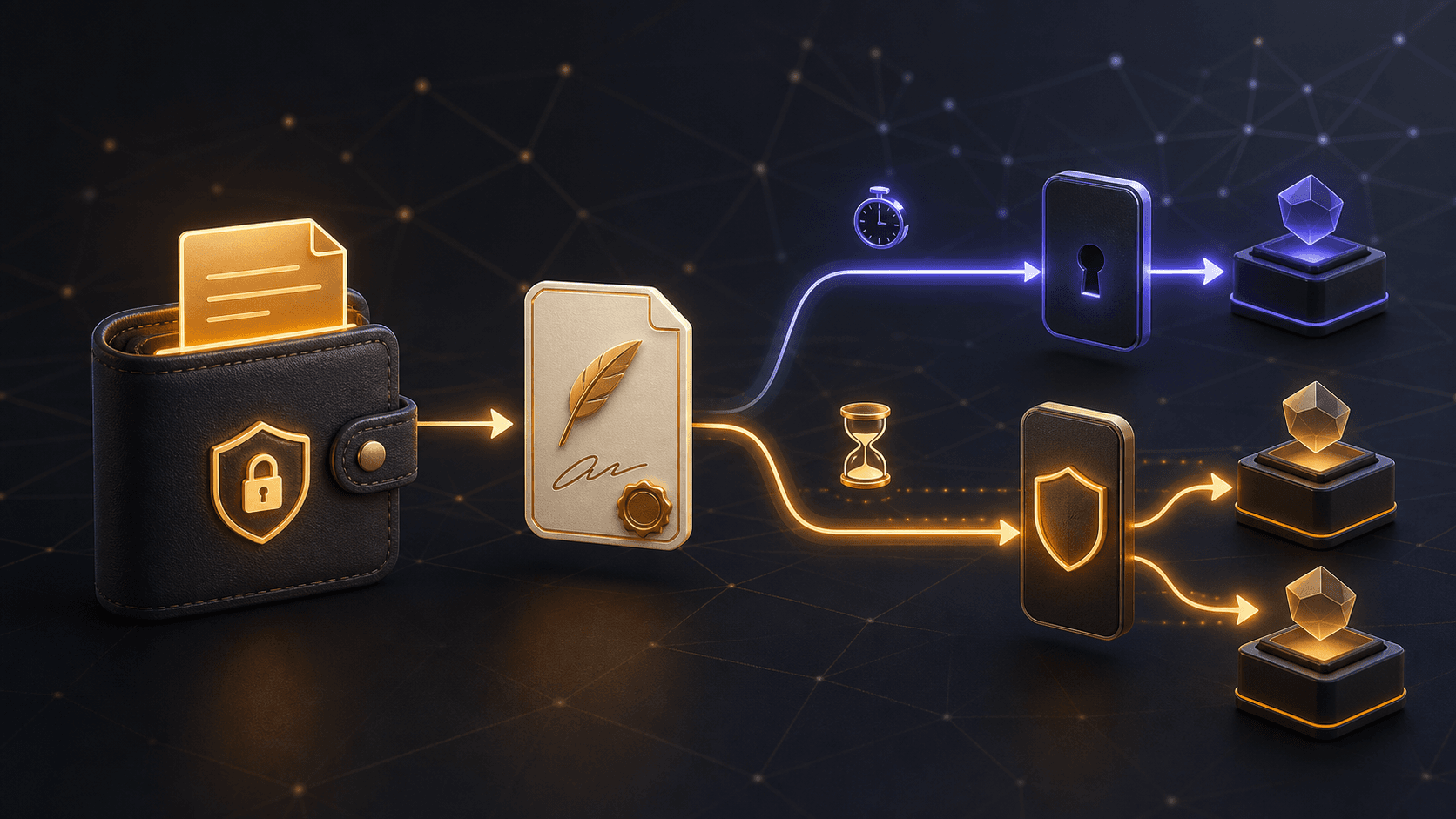
ERC-2612 Permit vs Permit2: How Signature-Based Token Approvals Work
ERC-2612 Permit and Uniswap Permit2 can simplify ERC-20 approvals, but signatures still carry risk. Compare their flows, scope, and safety checks.
 GOMTU7 min read
Crypto Scam Prevention Guide 2026: How to Spot, Avoid, and Respond
Crypto scams drain billions every year — and most victims thought they were careful. This how-to guide covers 10 scam types, step-by-step prevention rules, a security checklist, and what to do if you get hit.
GOMTU11 min read
Seed Phrase Security: How to Protect Your Crypto in 2026
A step-by-step how-to for understanding, storing, and backing up your seed phrase — storage method comparison, 2026 attack tactics, anti-patterns, FAQ, and a security checklist.
GOMTU9 min readExplore related topics

Crypto Airdrop Farming Guide 2026: Qualify Without Gambling Your Wallet
A practical crypto airdrop farming guide for 2026: evaluate campaigns, limit wallet risk, verify claims, keep records, and avoid Sybil abuse.
GOMTU8 min read
Pending Ethereum Transactions: Diagnose, Speed Up, or Cancel Safely
Learn why an Ethereum transaction stays pending, how nonce order and fees affect it, and when speeding up, canceling, or waiting is the safest response.
GOMTU7 min read