Pending Ethereum Transactions: Diagnose, Speed Up, or Cancel Safely
Learn why an Ethereum transaction stays pending, how nonce order and fees affect it, and when speeding up, canceling, or waiting is the safest response.

You press Confirm, the wallet shows “Pending,” and nothing seems to move. Before you submit another transaction or reset anything, pause. A pending Ethereum transaction is usually a queueing problem—not proof that your funds have disappeared. Understanding the queue is part of learning blockchain basics, and it gives you a safer response than clicking buttons at random.
This guide explains what “pending” actually means, how to diagnose the cause, and when waiting, speeding up, or canceling makes sense. It focuses on Ethereum and EVM-compatible wallets. Interface labels differ, so verify the current instructions for your wallet before acting.
What a pending Ethereum transaction means
An Ethereum transaction moves through several states:
- Your wallet signs it locally.
- A node accepts and shares it with peers.
- It waits in transaction pools maintained by individual nodes.
- A block builder includes it in a block.
- Later blocks add stronger confidence that the result will not be reorganized.
“Pending” normally means the transaction was broadcast but has not yet been included in a block. There is no single global waiting room. Each node maintains its own pool and may keep, reject, or drop transactions according to its configuration.
Think of the process like numbered tickets at a busy service desk. Your account issues tickets in order. A later ticket cannot be processed first if an earlier ticket is still unresolved. The ticket number is the transaction nonce.
Why transactions get stuck
The fee is no longer competitive
Under Ethereum's EIP-1559 fee model, a transaction specifies a maximum fee and a priority fee. If network demand rises after broadcast, the transaction's fee cap may be too low for current blocks. It can remain pending until demand falls, it is replaced, or nodes eventually drop it.
This is different from an out-of-gas failure. A failed transaction was included in a block and consumed gas before execution reverted. A pending transaction has not been included yet. Our gas fees guide explains the fee fields and failure cases in more detail.
An earlier nonce is blocking the queue
Transactions from one Ethereum account are processed in nonce order. If nonce 42 is pending, a transaction with nonce 43 may be visible but cannot execute first. Wallets often call this a queued transaction.
Sending several more transactions does not repair the gap. It can create a longer line behind the same blocker.
The transaction was dropped by some nodes
Node transaction pools are temporary and local. A low-fee transaction can disappear from one explorer or wallet while another node still knows about it. “Not found” therefore does not automatically mean “never broadcast,” and a wallet's activity screen is not the chain itself.
The wallet or RPC view is stale
A wallet may be connected to an overloaded or out-of-sync RPC endpoint. The transaction may already be included while the interface still displays an old state. Always compare the wallet with a reputable block explorer on the correct network.
Diagnose before you act
Use this sequence. It prevents most accidental duplicate payments.
1. Verify the network and transaction hash
Confirm that the wallet and explorer are showing the same chain. An Ethereum mainnet hash will not appear on an Arbitrum, Base, or testnet explorer. Copy the transaction hash from the wallet rather than following a link from a message or search result.
2. Read the explorer status
Look for Pending, Success, Failed, or Dropped/Replaced. If it succeeded, do not resend it merely because the receiving app has not updated. If it failed onchain, speeding it up is no longer possible; diagnose the failed execution before trying again.
3. Check the nonce
Note the pending transaction's nonce and compare it with other transactions from the same address. The lowest unresolved nonce is the one to address first. A later queued transaction is a symptom, not the root cause.
4. Compare the fee with current conditions
Check whether the transaction's maximum fee can cover the current base fee and whether its priority fee is competitive. Do not blindly copy a “fast” number from an unrelated network. Fee estimates change with demand.
Important
If the transaction sends funds to an exchange, bridge, merchant, or another person, verify its onchain state before creating a replacement. A delayed interface can otherwise turn one intended payment into two.
Wait, speed up, or cancel?
| Option | What it does | When it fits | Main risk |
|---|---|---|---|
| Wait | Leaves the original transaction unchanged | The transfer is not urgent and its details are correct | It may remain pending or be dropped |
| Speed up | Broadcasts a replacement with the same nonce and a higher fee | You still want the original action to execute | Both versions may appear, but only one same-nonce transaction can be confirmed |
| Cancel | Sends a different same-nonce transaction, commonly 0 ETH to your own address, with a higher fee | You no longer want the original action | The original can win the race if included first |
Speeding up
Use your wallet's built-in Speed up feature when available. It creates a replacement transaction with the same nonce and a higher fee. The replacement must be attractive enough for nodes and block builders to prefer it; exact replacement rules and wallet recommendations can change.
Do not manually change the recipient or call data while trying to speed up unless you fully understand the result. The goal is to replace the fee terms, not accidentally create a different action.
Canceling
An onchain “cancel” is not a recall. It is a race between two transactions using the same nonce. The cancellation transaction must be included before the original. If the original is already confirmed, it cannot be reversed by sending a cancellation afterward.
Built-in wallet cancellation is safer than manually constructing a transaction. Even then, confirm the account, chain, nonce, and fee before signing.
Waiting
Waiting is often the lowest-risk choice when the transaction is correct and not time-sensitive. However, do not assume it will remain available forever. If nodes drop it, the account's next usable nonce may become available again, but wallet displays can lag.
What not to do
- Do not keep resubmitting the same payment with new nonces. You may create multiple valid payments.
- Do not reset wallet activity as if it cancels a transaction. MetaMask states that resetting account activity clears local history and nonce data; it does not alter confirmed transactions or cancel pending ones onchain.
- Do not trust unsolicited “support.” Never share a seed phrase or private key to fix a transaction.
- Do not switch networks mid-diagnosis. Similar addresses and hashes across EVM networks can hide a simple network mismatch.
- Do not treat a block explorer label as final settlement. Inclusion and blockchain finality are related but different stages.
A practical checklist
Before signing a replacement:
- Confirm the correct network and account
- Copy the transaction hash from your wallet
- Check whether the original is pending, failed, replaced, or confirmed
- Identify the lowest unresolved nonce
- Compare fee fields with current network conditions
- Verify the recipient, value, and contract action
- Prefer the wallet's built-in speed-up or cancel control
- Recheck the explorer immediately before signing
For high-value or unfamiliar contract interactions, stop and seek help through the wallet or protocol's official support channel. Never respond to a direct message claiming it can “unstick” funds.
FAQ
Can two transactions with the same nonce both confirm?
No. For one account on one chain, a nonce can be consumed only once. Competing same-nonce transactions can circulate in node pools, but only one can become part of the canonical account history.
Does a pending transaction mean my ETH is gone?
Not by itself. The explorer may show the intended value, but state changes occur only if the transaction is included and executes successfully. Still, avoid spending or resending based only on a stale wallet balance.
Why is my newer transaction queued?
It probably has a higher nonce than an unresolved earlier transaction. Resolve the lowest pending nonce first.
Can I cancel a confirmed transaction?
No. A replacement can compete only before the nonce is confirmed. Blockchain transactions do not have a chargeback mechanism.
Does resetting my wallet fix the blockchain?
No. A wallet activity reset changes local wallet state, not Ethereum's history or public transaction pools. Use it only for the specific troubleshooting cases documented by your wallet provider.
Primary sources
- Ethereum.org: Transactions
- Geth documentation: txpool namespace
- MetaMask Support: Speed up or cancel a pending transaction
- MetaMask Support: Clear account activity / reset account
The safest next step is the informed one
A pending transaction is a queue state, not a prediction and not automatically a loss. Start with the chain, hash, status, and lowest unresolved nonce. Then choose the least invasive response that matches your goal: wait if the action is correct, speed up if it is still wanted, or attempt a same-nonce cancellation if it is not.
This guide is educational and not financial advice. Crypto transactions can be irreversible, fees change rapidly, and mistakes can cause permanent loss. Test unfamiliar workflows with an amount you can afford to lose, verify current wallet documentation, and do your own research (DYOR).
Keep learning

Gas Fees Explained: A Complete Guide to Blockchain Transaction Costs
Learn how blockchain gas fees work, what drives costs up or down, practical tips to save on every transaction, and the risks every user should understand.
 GOMTU9 min read
Blockchain Finality Explained: When Is a Crypto Transaction Really Settled?
Learn how blockchain finality differs from confirmation, why Bitcoin and Ethereum settle differently, and what to check before moving funds again.
GOMTU7 min read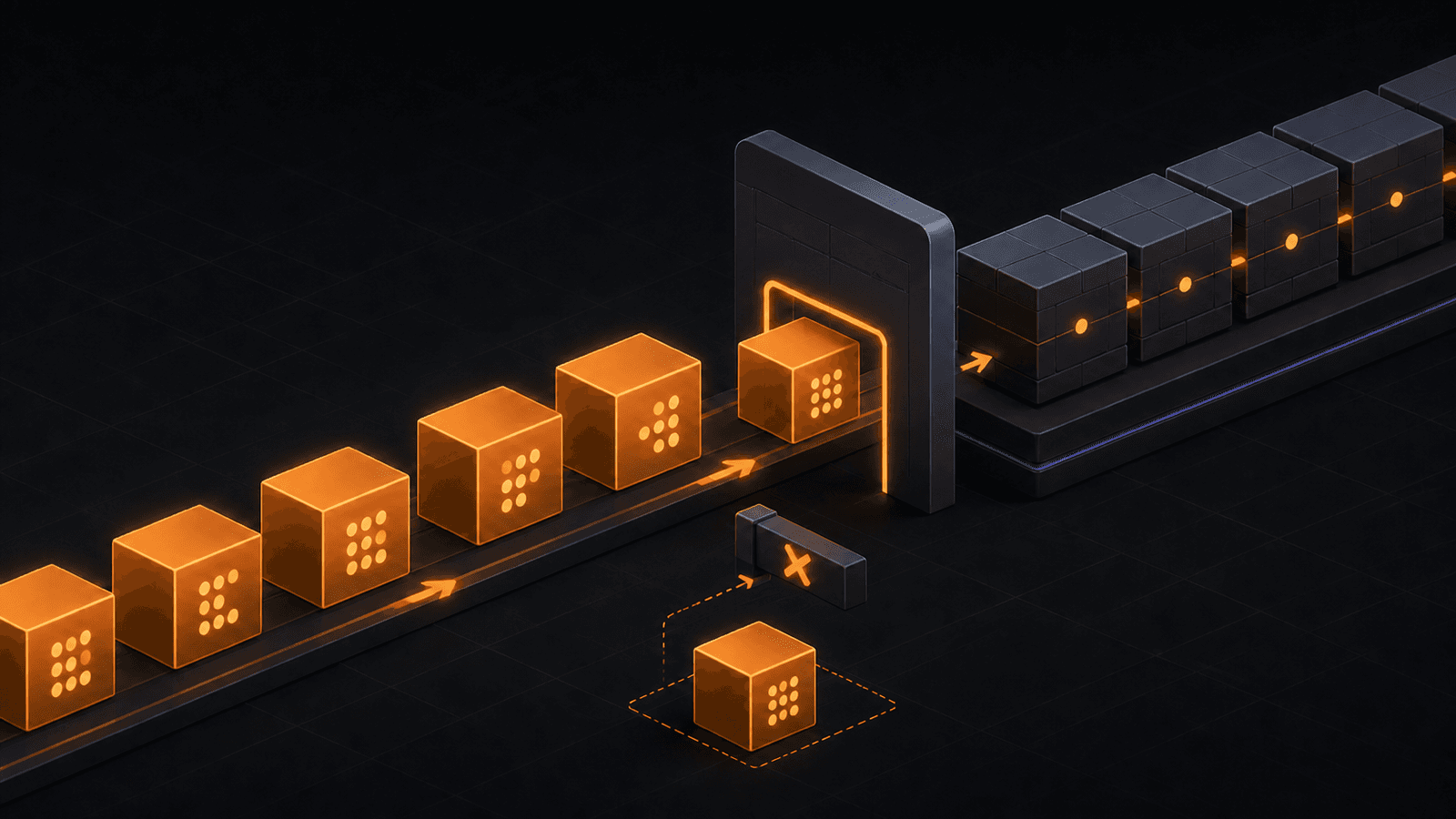
Ethereum Account Nonce Explained: Order, Replay Protection, and RPC
Learn how an Ethereum account nonce orders transactions, blocks replay, creates queue gaps, and changes how developers query pending account state.
GOMTU8 min readExplore related topics

ERC-7579 Modular Smart Accounts: Validators, Executors, Hooks, and Risks
Learn how draft ERC-7579 standardizes modular smart accounts, what its four module types do, and which installation risks users and builders must check.
GOMTU9 min read
EIP-8250 Keyed Nonces: Independent Lanes for Frame Transactions
Learn how draft EIP-8250 gives Ethereum Frame Transactions independent nonce lanes, why privacy systems need them, and which risks remain.
GOMTU8 min read