Crypto Transaction Simulation: Read the Result Before You Sign
Crypto transaction simulation previews likely wallet balance, approval, and contract changes before signing. Learn what to check and where it can fail.

A swap button may describe one action while the transaction underneath performs several calls. Before you sign, a crypto transaction simulation can rehearse that request against a recent copy of blockchain state and show its likely effects. It is a practical layer of crypto wallet security, but it is evidence—not a safety certificate.
Not financial advice (NFA). A successful preview cannot prove that a contract, token, app, or trade is safe. Crypto transactions can be irreversible and markets are volatile. Verify independently, use only funds you can afford to lose, and do your own research (DYOR).
What Crypto Transaction Simulation Does
Think of simulation as a flight simulator for an unsigned transaction. The controls and current conditions are copied into a rehearsal environment. The engine executes the proposed call, but the rehearsal does not publish the transaction or change the live chain.
Ethereum's official guide says a contract call can be simulated before submission to check whether it succeeds and inspect its return value. Most developer libraries do this through eth_call, an Ethereum JSON-RPC method that executes a message call without creating an onchain transaction.
A wallet or security service can go further than a simple success check. It may trace nested calls, decode token transfers, compare balances before and after, identify approvals, and label known contracts. A useful preview might show that a proposed swap is expected to:
- send one token from your address;
- receive another token;
- grant a contract permission to spend an asset;
- pay network gas; and
- call one or more contracts behind a router.
The Ethereum Foundation describes this goal as returning a plain-language account of expected asset changes. Its Trillion Dollar Security work also notes that simulation quality and reliability still need improvement across wallets.
How the Pre-Sign Rehearsal Works
1. The app constructs a request
The request includes fields such as the sender, destination, value, calldata, gas settings, and chain. Contract calldata identifies a function and supplies encoded arguments. A simulation is only as relevant as the request it actually receives.
2. A node executes it without publishing it
The simulator selects a block state—often recent, but not necessarily the chain tip—and runs the call in an Ethereum Virtual Machine environment. The official eth_call reference explains that the call returns execution data without creating a blockchain transaction.
3. The service interprets the trace
Raw execution output is difficult to review. A wallet may use contract interfaces, token metadata, traces, and balance comparisons to translate it into “send,” “receive,” or “approve” effects. This interpretation layer is separate from execution and can be incomplete.
4. You compare the preview with your intent
The final security decision remains yours. If the page says “claim” but the preview shows an unlimited token approval or an unexpected transfer, stop. If the preview cannot identify a contract or asset, treat the missing context as uncertainty rather than permission to continue.
What to Check in a Wallet Transaction Preview
Use the same order every time so urgency does not change your standard.
| Check | Question to ask | Warning sign |
|---|---|---|
| Network | Is this the chain I intended to use? | An unfamiliar chain or unexpected bridge |
| Asset outflow | What leaves my address? | NFT or token outflow unrelated to the action |
| Asset inflow | What should I receive? | Missing output or a different token contract |
| Approval | Who can spend what, and how much? | Unlimited or broad approval for an unknown spender |
| Contract | Which addresses execute the action? | Newly deployed, unverified, or unexplained contracts |
| Gas | Is the estimate plausible for this action? | Extreme cost or a request to change settings blindly |
Ethereum's security guidance recommends reading the transaction before signing, checking recipients, and limiting smart-contract spending authority. Simulation makes those checks easier, but the labels must still match your purpose.
Why a Successful Simulation Can Still Fail Onchain
A preview answers a narrow question: “What happened when this exact request ran against this chosen state?” The live transaction may face different conditions.
State can change
Another trade may move a pool price, consume liquidity, change an allowance, or increment a nonce before your transaction executes. Slippage limits and deadlines can then cause a swap that simulated successfully to revert.
The simulator may use older state
Some services deliberately simulate against finalized state to avoid short chain reorganizations. Coinbase's official swap simulator documentation says its finalized state may sit behind the chain tip. That trade-off makes results more stable but less current.
Execution may depend on context
Contracts can branch on the sender, block timestamp, block number, price inputs, or earlier calls. A missing sender field or a different route can produce a misleading result. Batched and cross-chain actions add more moving parts, and a destination-chain outcome may not be knowable from one source-chain rehearsal.
Interpretation can be wrong or incomplete
A simulation engine may execute correctly while the user-facing decoder misses a nested transfer, formats token decimals incorrectly, trusts misleading metadata, or labels an unknown contract poorly. A clean interface does not prove complete coverage.
Malicious code can recognize simulations
Attackers may try to make a transaction behave harmlessly during a preview and differently in production. The Ethereum Foundation's 2026 ETH Rangers recap specifically mentions research into simulation spoofing. This is another reason to combine independent checks instead of trusting one green badge.
Simulation, Clear Signing, and Contract Verification
These controls answer different questions.
- Simulation: What is this request likely to do against a selected state?
- Clear signing: What authority and fields am I cryptographically approving?
- Contract verification and research: What code and trust assumptions am I interacting with?
One does not replace the others. A malicious transaction may simulate accurately. A verified contract may still be upgradeable or used with dangerous parameters. A readable signature may authorize exactly the harmful action it displays.
Use the controls as overlapping checkpoints. Start with clear signing versus blind signing, compare the simulation, verify the official domain and contract addresses, and keep approvals narrow.
A Practical Pre-Sign Checklist
- Open the app from a verified bookmark or official source.
- Confirm the wallet account, chain, recipient, and contract.
- Read every expected asset inflow and outflow.
- Inspect approvals separately from transfers or swaps.
- Compare the wallet's readable prompt with the simulated effects.
- Reject unknown contracts, unexplained calls, or missing output.
- For a new protocol, test with a separate low-value wallet when appropriate.
- Save the transaction hash after submission and verify the receipt on a block explorer.
Warning
Do not disable wallet warnings or accept blind signing because a site claims its simulation is “safe.” A simulator cannot recover assets after a malicious authorization is signed.
Frequently Asked Questions
Does simulation cost gas?
The offchain rehearsal does not publish a transaction, so it does not consume onchain gas. The real transaction still needs gas if you submit it.
Can simulation prevent a wallet drainer?
It can reveal suspicious transfers or approvals when the engine and decoder understand them. It cannot guarantee detection, so verify the site, spender, scope, and signature too.
Why does my wallet say a transaction will fail?
Common causes include insufficient balance, an expired deadline, a restrictive slippage limit, a changed nonce, missing approval, or a contract revert. Do not raise gas or loosen limits blindly; identify the cause first.
Is a green preview safe to sign?
No. It means the simulator did not flag a problem under its assumptions. It does not audit the contract, guarantee future state, or prove the app is honest.
Should I use more than one simulator?
For a high-consequence or unfamiliar action, a second independent preview can expose differences in state, decoding, or coverage. Disagreement is a reason to stop and investigate.
Treat the Preview as a Preflight Check
Crypto transaction simulation is valuable because it turns opaque execution into a reviewable forecast. The habit is simple: compare what the app promises, what the wallet asks you to sign, and what the simulator expects to change.
When those three views disagree—or one view is missing—do not guess. Reject the request and investigate through official sources. Simulation lowers uncertainty; it never removes smart-contract, phishing, market, or custody risk. This guide is educational, not financial advice. DYOR and use only funds you can afford to lose.
Keep learning
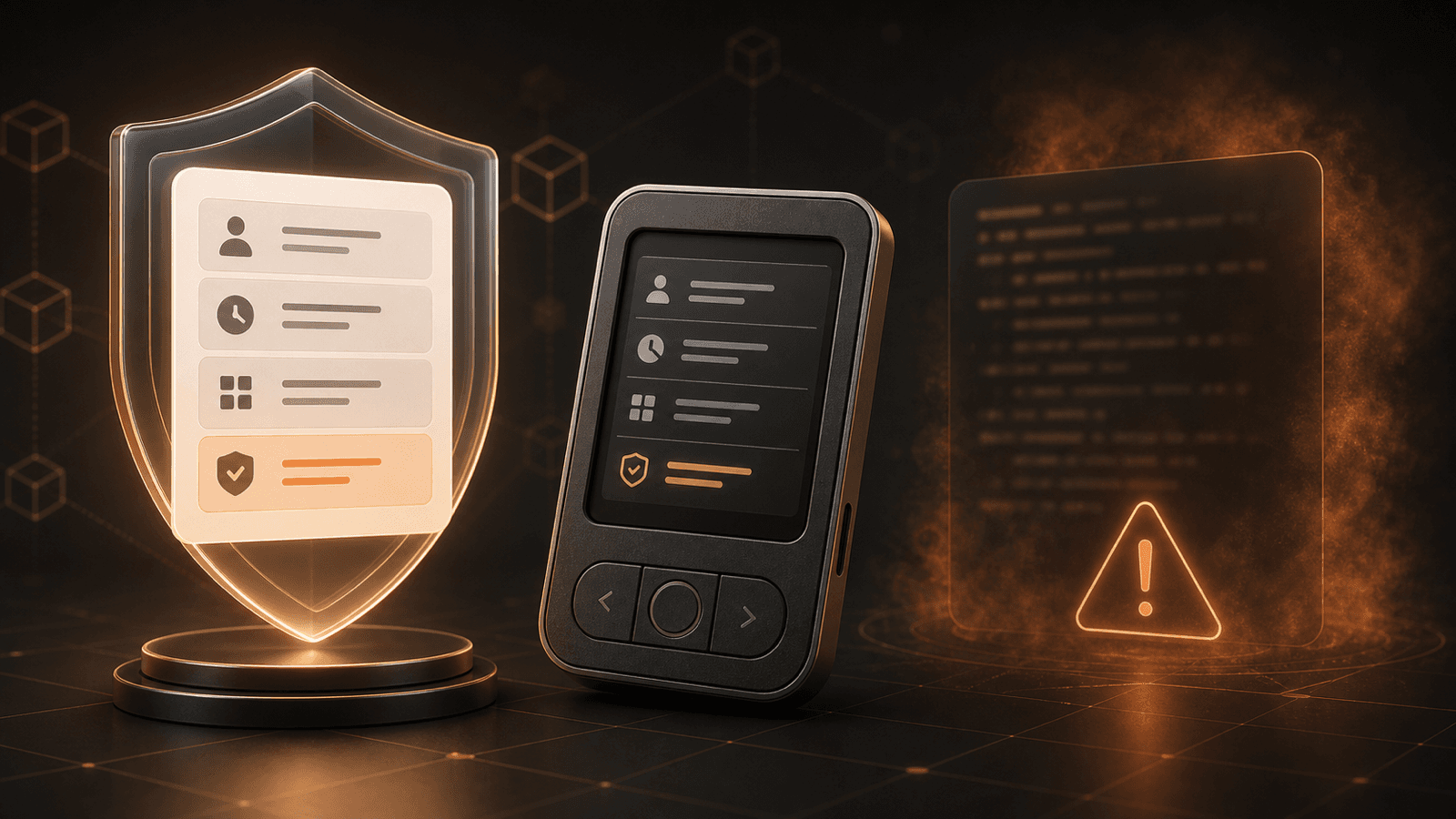
Clear Signing vs Blind Signing: How to Read Crypto Wallet Prompts
Clear signing makes wallet prompts readable. Learn how blind signing differs, what EIP-712 and draft ERC-7730 do, and what to verify.
 GOMTU7 min read
Token Approvals and Wallet Drainers: How to Protect Your Crypto (2026)
Wallet drainers don't steal your keys — they trick you into approving them. How token approvals work, how drainers exploit them, and how to revoke access.
GOMTU6 min read
Crypto Scam Prevention Guide 2026: How to Spot, Avoid, and Respond
Crypto scams drain billions every year — and most victims thought they were careful. This how-to guide covers 10 scam types, step-by-step prevention rules, a security checklist, and what to do if you get hit.
GOMTU11 min readExplore related topics

Crypto Airdrop Farming Guide 2026: Qualify Without Gambling Your Wallet
A practical crypto airdrop farming guide for 2026: evaluate campaigns, limit wallet risk, verify claims, keep records, and avoid Sybil abuse.
GOMTU8 min read
Pending Ethereum Transactions: Diagnose, Speed Up, or Cancel Safely
Learn why an Ethereum transaction stays pending, how nonce order and fees affect it, and when speeding up, canceling, or waiting is the safest response.
GOMTU7 min read